Setting up Destination as Email for Snapchat Leads
Getting Started:
- Go to https://studio.datahash.com/login
- Enter your credentials to log in
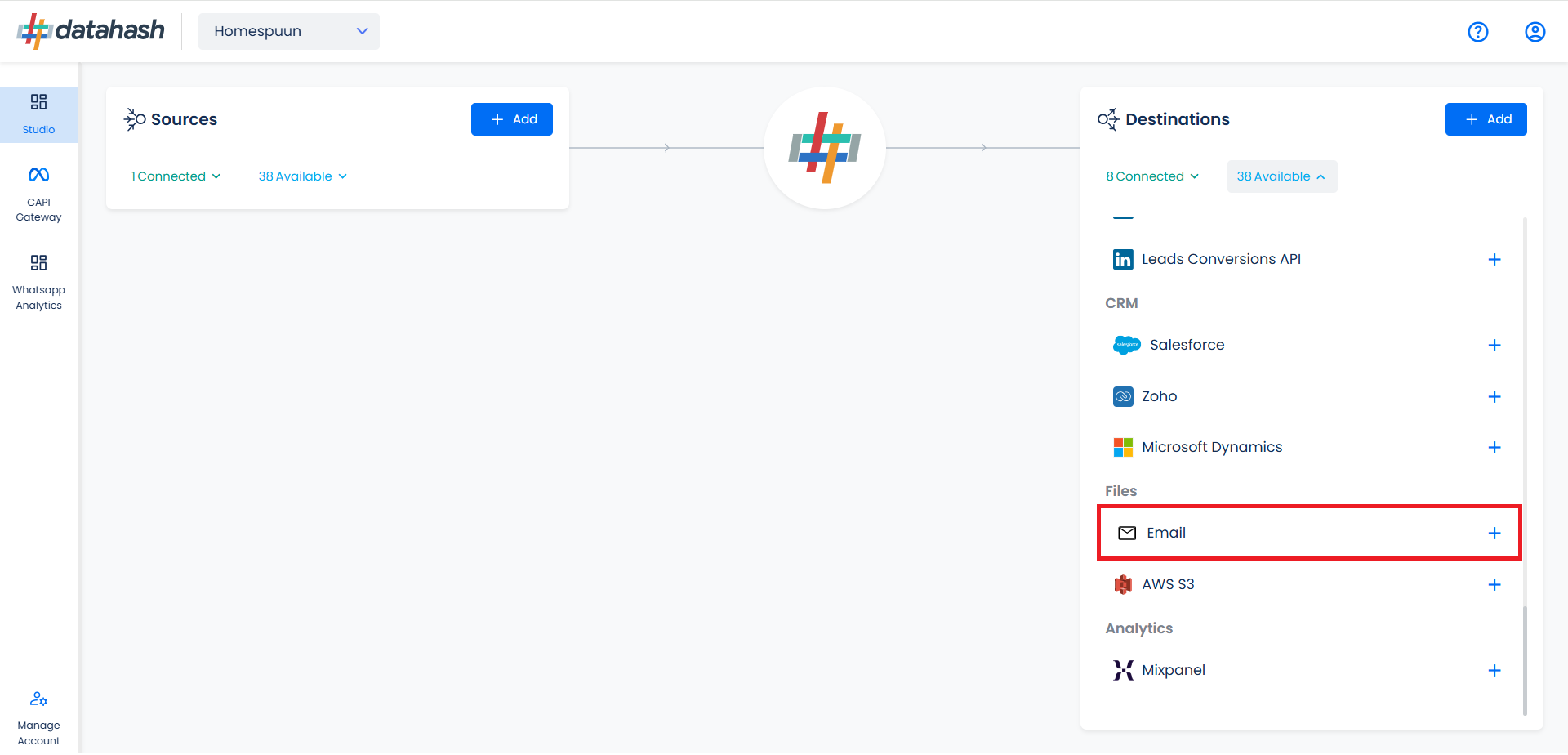
- Navigate to Files category under Destinations list in the right section.
- Click on the “Email” connector tile
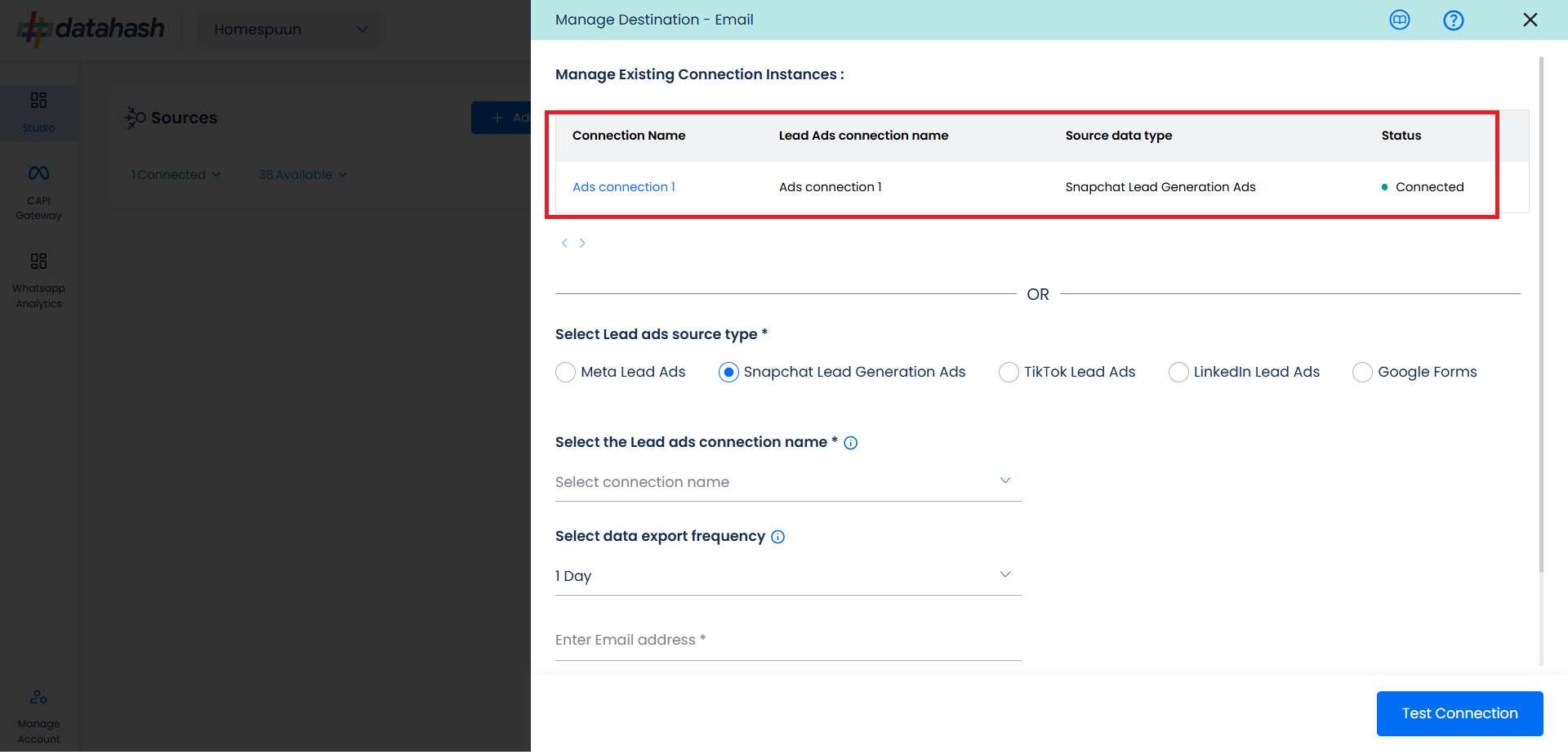
- Select the Snapchat Lead Generation Ads source type
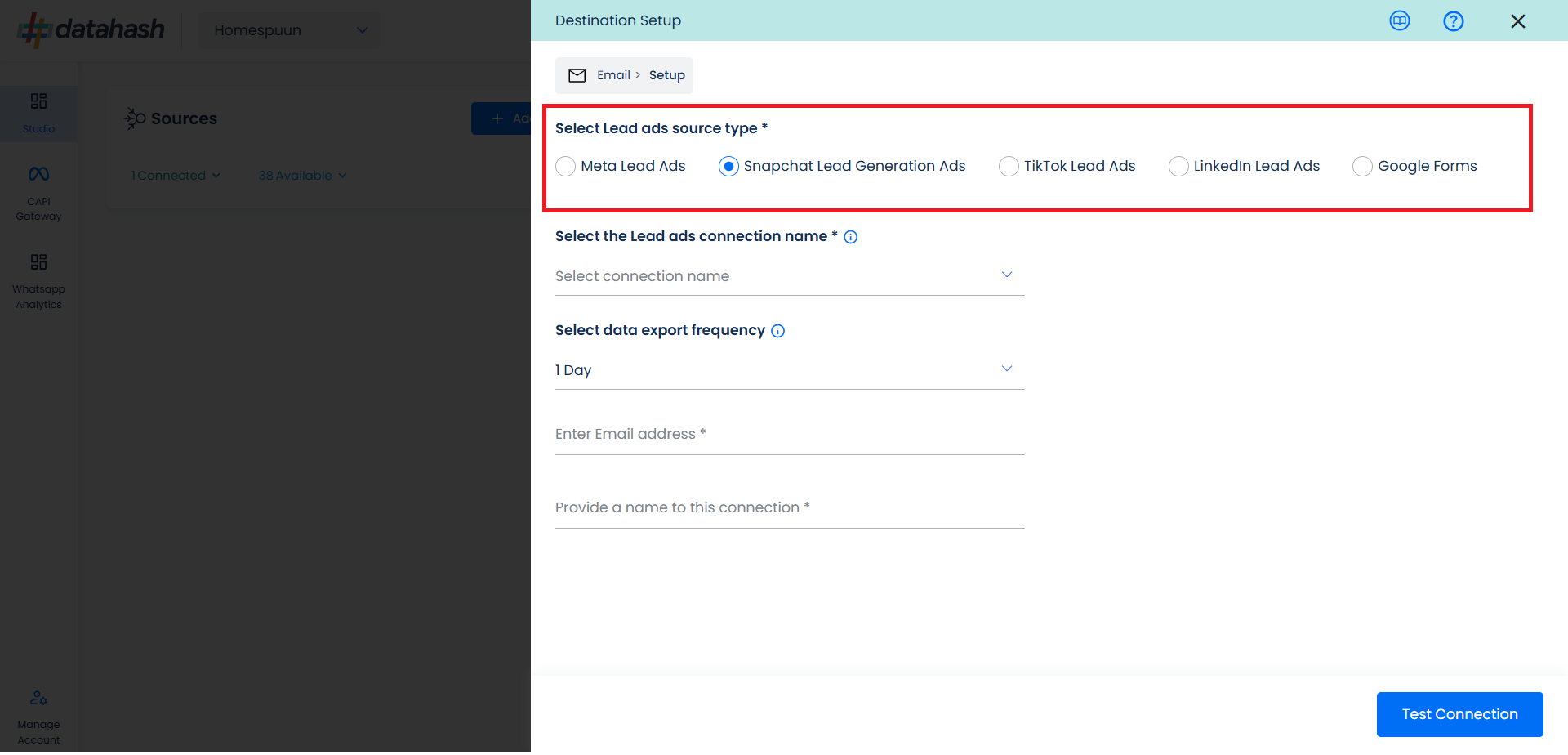
- Now select the connection name you want to integrate and provide a name to it. This is the same connection name you have already connected in the Source connector (Snapchat Lead Generation Ads Source).
- Select the data export frequency, right now we have Realtime, 1 hour, 3hour, 1day option.
- Provide your Email address.
- Provide a name to this connection.
- Once done, click on Test Connection.
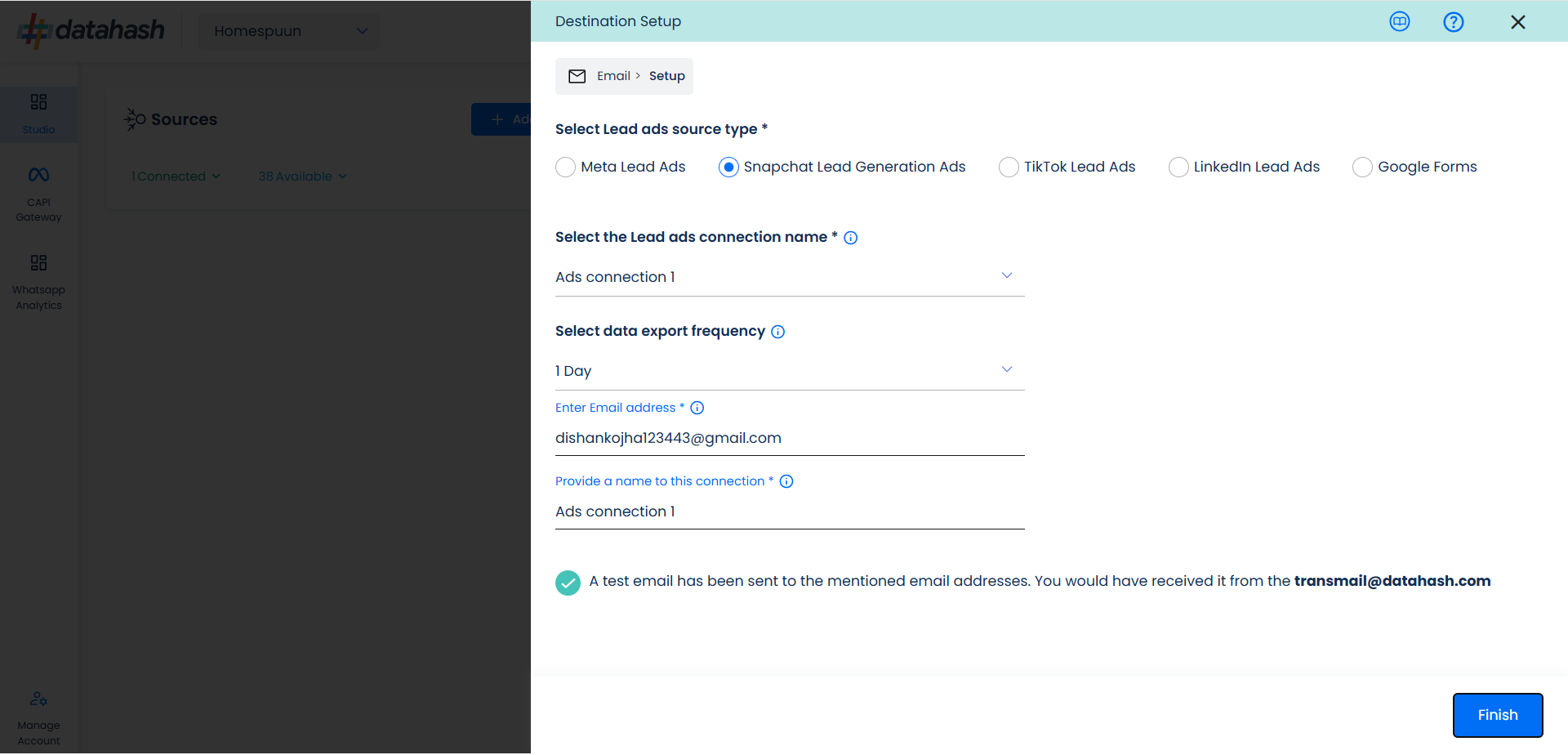
- Click on the Finish button to complete the setup. You will receive an email on the provided email address.
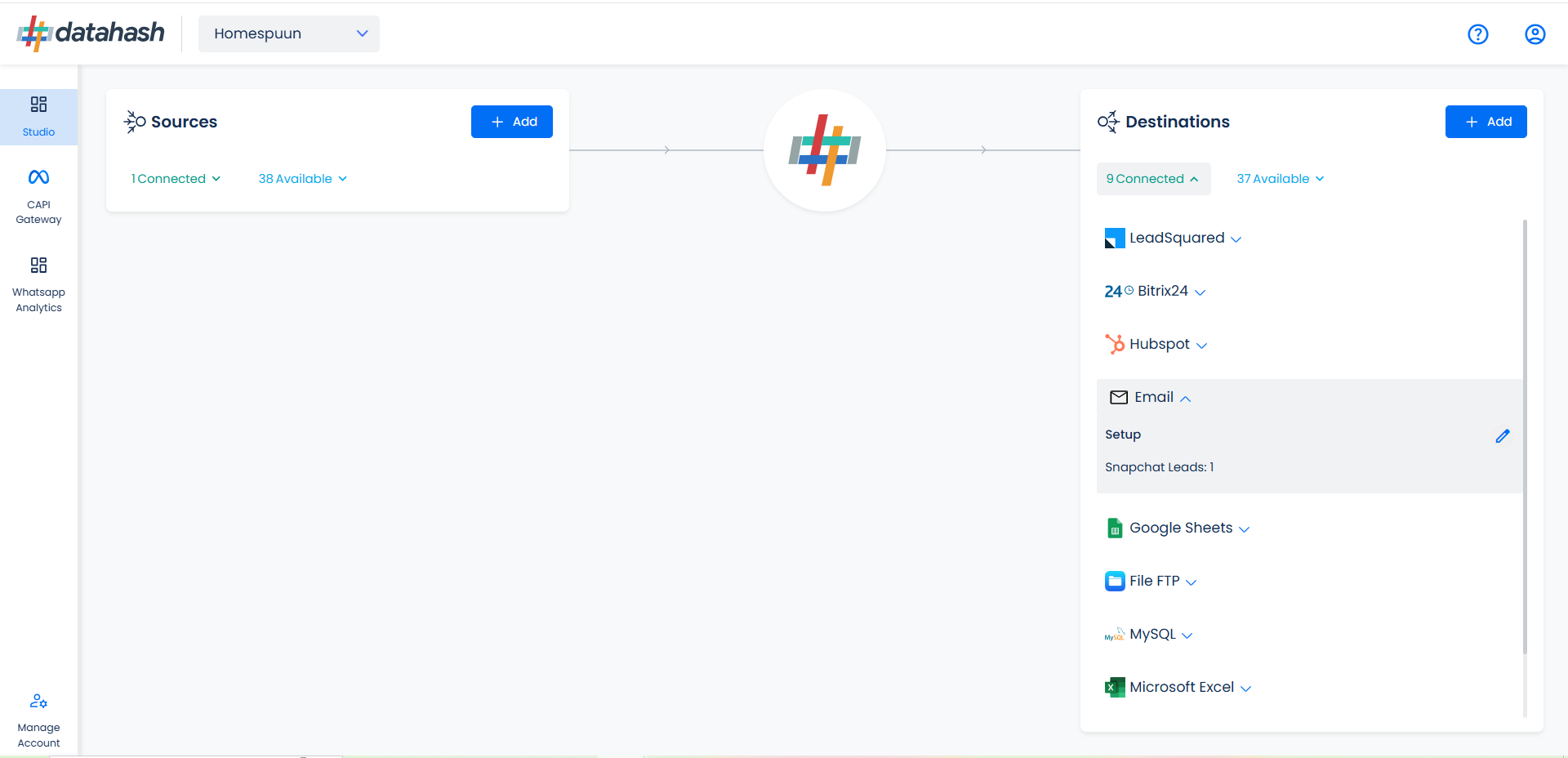
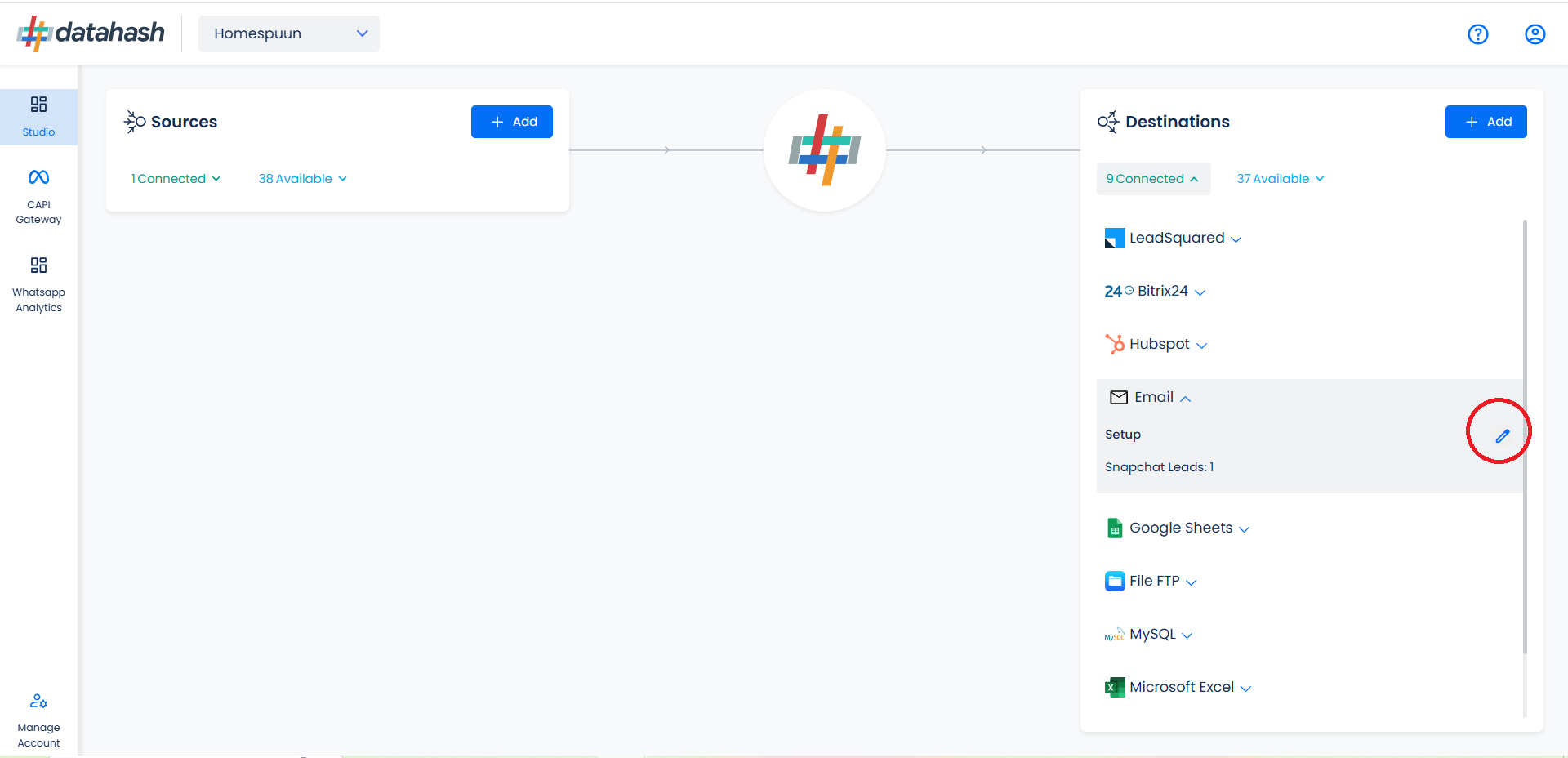
- You can access the set-up again by clicking on the edit button in the Email connector widget
- The set-up configurations can be edited if required, from the Manage connections section.
Related Articles
Overview of Snapchat Lead Generation Ads
Introduction: The guide provides an overview of the steps required to integrate Snapchat Lead Generation Ads using Datahash. Connecting Snapchat Lead Generation Ads as data source Connector to platform or tool such as CRM, File system, data ...Setting Up Snapchat Lead Account as data source for Lead Generation Ads
Follow the below steps to set up Snapchat Lead Generation Ads as data source for leads. Go to https://studio.datahash.com/login and log in using your preferred method. 1. Under the "Sources" section, scroll to the "Lead Generation" category and click ...Setting up Destination as Salesforce CRM for Snapchat Leads
Description: Salesforce is a Customer Relationship Management (CRM) platform that is designed to help you sell, service, analyze, and connect with your customers. Integrating Datahash with Salesforce allows you to import leads, Audience or events ...Setting up source as Salesforce CRM for Snap Leads Conversions API
Prerequisites: A Salesforce account. A defined field in Salesforce CRM for Snapchat Lead ID. Set-up process: Log in to your Datahash account on https://studio.datahash.com/login Navigate to CRM category under Sources list in the left section. Click ...Setting up source as LeadSquared CRM for Snap Leads Conversions API
Prerequisites: Access to a LeadSquared CRM account with permissions for the CRM module that you intend to integrate User ‘Access Key’ and ‘Secret Key’ to the LeadSquared account which has permissions to access Leads and API (for administrator profile ...